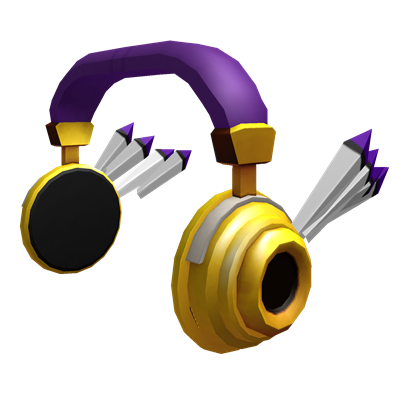
Roblox Avatar and Customization
Roblox allows players to fully customize their avatar using clothing, accessories, animations, and body types. The customization system is one of the most popular features on the platform, giving players endless ways to express their identity and style.
What Is a Roblox Avatar
Your avatar is the character you use throughout Roblox. It appears in games, your profile, and social interactions. You can modify almost every aspect of your avatar’s appearance.
- clothing items;
- accessories and hats;
- faces and animations;
- body shapes and skin tones;
- bundles and full-character sets.
All customization options are managed through the Avatar Editor.
How to Customize Your Avatar
To customize your avatar:
- Open your Avatar section from the navigation menu.
- Select clothing, accessories, or body parts you want to change.
- Try on items using the preview window.
- Apply changes to update your appearance instantly.
You can mix and match items to create a unique look.
Avatar Shop
The Avatar Shop offers millions of items created by Roblox and independent developers.
- clothing (shirts, pants, jackets);
- accessories (hats, hair, faces);
- bundles (full avatar packages);
- animations and emotes;
- limited and collectible items.
Most items require Robux, but many free items are also available.
Outfits and Saving Looks
Roblox allows players to save multiple outfits for easy switching.
- Create a new outfit from your current look.
- Name it for quick recognition.
- Switch outfits anytime from the Avatar Editor.
This feature is useful for players who enjoy changing styles frequently.
Body Types and Scaling
You can adjust your avatar’s proportions to match your preferred style:
- R6 or R15 body types;
- height and width sliders;
- different body parts from bundles;
- skin tone customization.
Roblox supports a wide range of avatar shapes and styles.
Free Customization Options
Even without Robux, you can customize your avatar using:
- free clothing and accessories from the Avatar Shop;
- default animations and body types;
- seasonal or event-based free items.
Many popular avatar looks can be achieved with free items alone.
Using Accessories
Accessories add personality to your avatar and include:
- hats and hair;
- faces and glasses;
- shoulder pets and back accessories;
- gear (cosmetic only in most games).
You can equip multiple accessories at once depending on category limits.
Safety and Avatar Items
When customizing your avatar:
- buy items only from the official Avatar Shop;
- avoid external websites offering “free avatar items”;
- check ratings and creator profiles before purchasing;
- enable Two-Step Verification to protect your inventory.
These steps help prevent scams and protect your purchased items.
Summary
Roblox offers a powerful and flexible avatar customization system that lets players express themselves with clothing, accessories, animations, and saved outfits. With the Avatar Shop, body customization tools, and free options available, every player can design a look that matches their personality and style.